Event Manager: Select mode
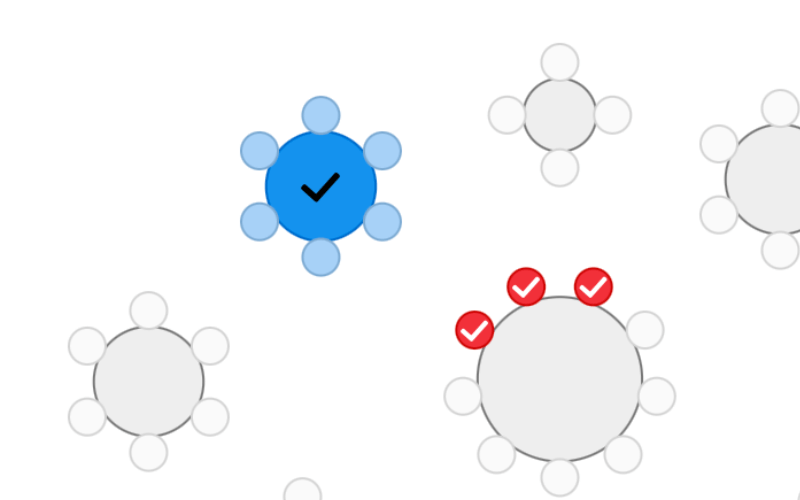
Allow your back office users to select seats to perform custom operations.
Everything we ship, from new features to small fixes.
Added static mode
Users can now (somewhat) rotate multi-floor charts
Shape labels now respect the messages parameter again
onFloorChanged now receives a Floor object instead of just the floor name
chart.destroy() works properly when the container DOM element is already removed
Ticket type selection modal now indicates whether a seat is accessible or has obstructed view
Select mode now supports multiple events
Order ID is now shown in tooltip
Added category.hasSelectableObjects property
Row labels are now optional, so you can create seats that are only identified by their seat label (1, 2, 3... instead of A-1, A-2, A-3...)
Allow your back office users to select seats to perform custom operations.
Also shipped
Added buttons to show row and seat labels
Objects assigned to a channel are shown greyed-out
Company-level expiration time of hold tokens can now be overridden per workspace
Added parameter that sets the active floor when rendering a multi-floor chart
Added onFloorChanged callback, which gets triggered when the user switches floors
Added spacing between long ticket type and price in ticket type selector
Multi-floor charts now resize properly again
chart.zoomToSelectedObjects() does not switch to the first floor of a multi-floor chart when no objects have been selected
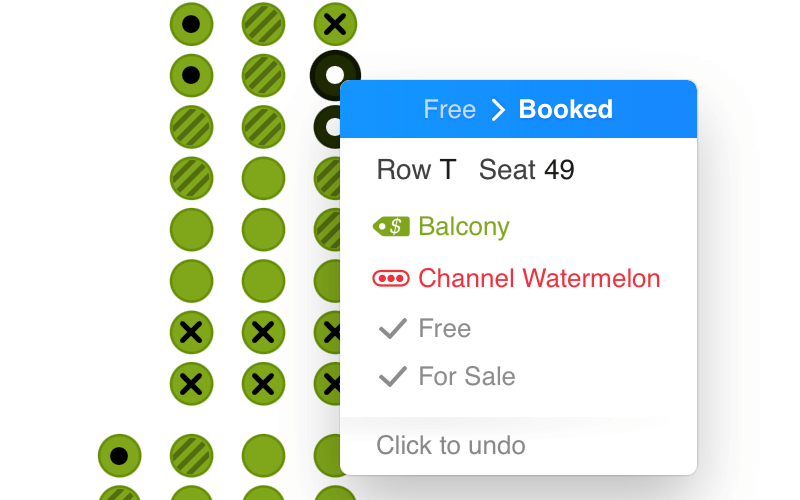
Held seats and seats with a custom status are now displayed with a different icon than booked seats
Event reports now indicate whether GAs and booths are disabled by social distancing rules (which we already did for seats)
Added call to retrieve information about objects for an event
Improved contrast between available and unavailable (e.g. booked) objects
Chart would become blurred when panning in some cases
generalAdmissionAreas feature is now called areas in the list of features to disable. generalAdmissionAreas still works for backwards compatibility.
Made distinction between section/floor-based charts and non-section-based charts clearer when creating a new chart
Texts drawn on top of seats don't disappear after hovering
Tooltips on mobile never go out of bounds when legend is shown
Made panning smoother
Changes in available and unavailable categories are now properly visible on the chart
Added 'select' mode, in which the user can select seats, but there's no action button. Use this mode when you want to build your own UI.
Tooltip shows the exact seat status, instead of only booked or free
Icons feature can now be disabled (as was already documented)
Statuses, Not For Sale, Category and Channel details now available on all modes.
Also shipped
Improved icons and tooltips + category color is now still visible for booked seats
In spotlight mode, all objects except the select ones are greyed out when the select objects aura is shown
Performance improvements
No more social distancing warning when releasing seats in manageObjectStatusesMode
Show selected seats, and nothing else.